Car PC Build for DaToy
With the redo of DaToy’s electronics I decided to get away from the laptop and implement an integrated Car PC. The Computer is designed to have the following functionality:
– Built in GPS using Garmin GPS 15
– Integration with the FJ Jammer using Car2PC
– OBD II Support
– Touch Screen Capability
– Bluetooth Support
– WiFi Capability
Supported software:
– Garmin nRoute and Mappoint with Topo map support
– HAM Radio APRS using APRSpoint and AGWP
–
Weather Radar for Stop Spotting using Stormlab
– I’m evaluating Car Computer front end software
– Internet access via tethered Cell Phone or WiFi
– Music library and Napster support with integration to the FJ Jammer
With these goals I prototyped the system in my office:
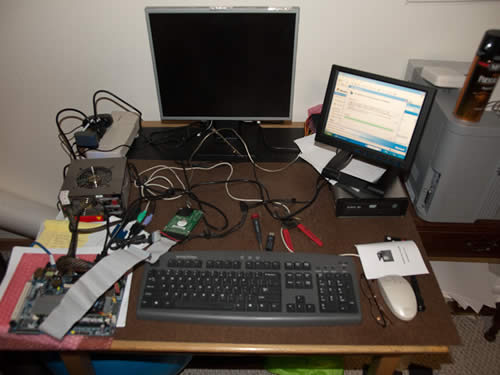
You can see the 160gb hard drive that I will be able to load with a large music library.
I have been having problems with the mother board pictured here and will be replacing it with a more current board. The board is early XP and does not have the driver support that I need.
With the system prototyped I was ready to put it together in a case. I decided to use an aluminum project box as the case.
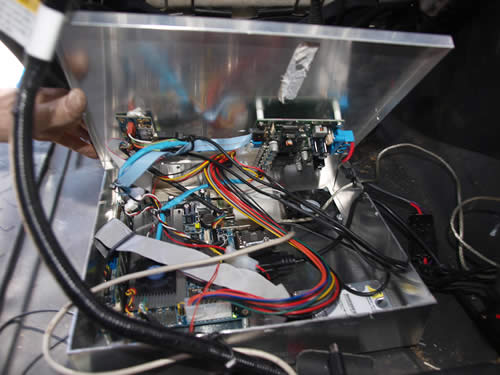
The power supply and audio expansion card are mounted to the lid of the case.. There is a fan mounted in the bottom that will draw air through the case. After some time using this system I am going to rebuild it with a sealed case that will have heat sink to draw off the heat.
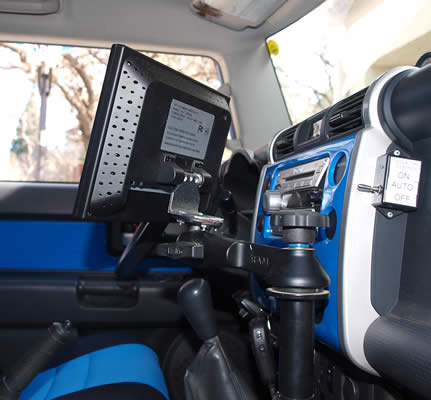
The computer has been placed under the passenger seat with cables routed in both the door sill and to the RAM Mount the the monitor is attached to. For the monitor I had to fabricate a bracket to connect to the RAM mount ball mount. I used a section of 2″ angle iron for this.
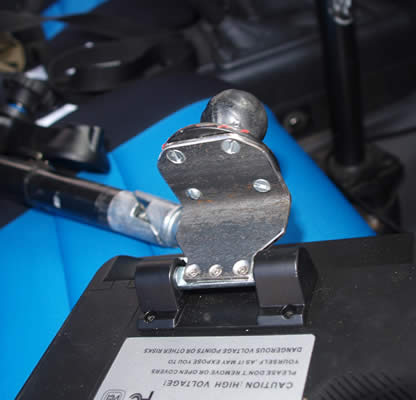
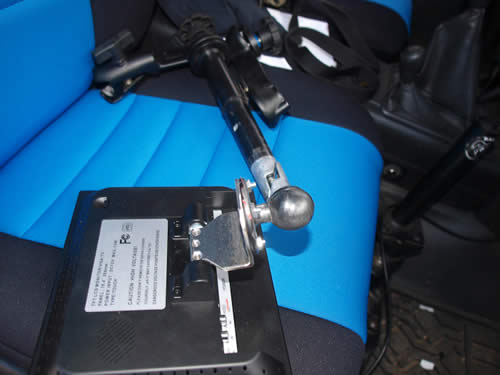
Once mounted the Monitor is rock solid and I can still use the built in tilt adjustment that the monitor came with.
Once the system was installed and the Car2PC and OBD II adapters connected I was ready to test the system out.
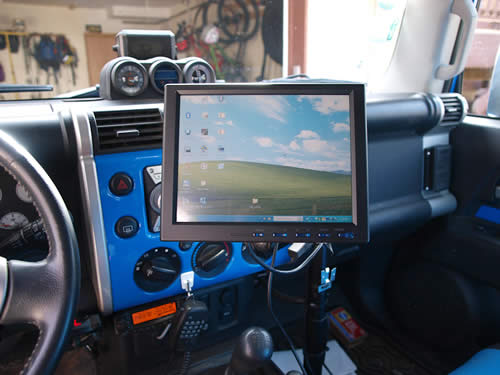
Here is the Logitech Blue tooth keyboard that I am using in the car. The only problem I have with the keyboard is that the charge voltage in 9 volts. I am going to build an adapter so the keyboard will always be charged and ready to go in the FJ.
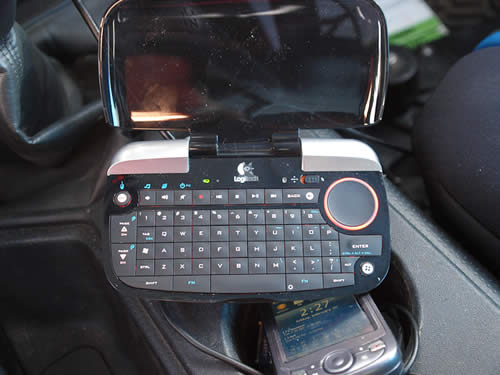
I installed an active GPS antenna on the roof of the FJ. The antenna is powered with 5 volts from the Computer power supply. I also use the computer power supply to provide the 12 volts required to power the OEM GPS.
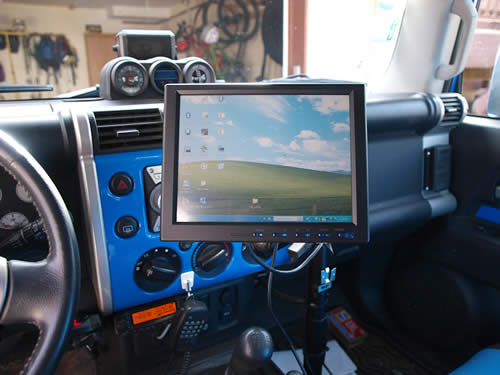
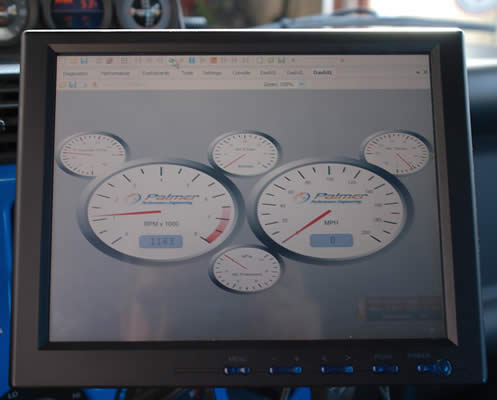
Here is a view of the touch screen as seen from the drivers position.
A quick screen shot of the OBD II software gauges. The scan software can view all data from the FJ as well as trouble codes. If I want I can also reset trouble codes and capture record data when the FJ is having problems.
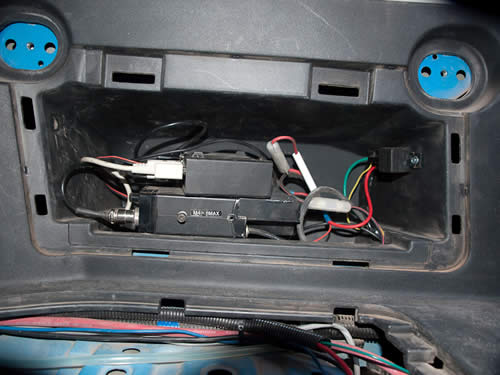
Here is a shot of the HAM radio and TNC that are hooked up to support digital radio and APRS.
I’ll post additional data as I gain experience with the system…
Wow… that is a really nice setup and very good job tying it all together. nice job.
That is a really cool set up. I wanted something very similar, but budget and lack of ingenuity have forced me to scale it back a bit… we are probably going to stick to a laptop plugged into an amp. Any thoughts?
Thanks for the posts.
The Car2PC link can be used with a laptop. That will integrate the Laptop with your FJammer. I used a laptop for about 2 years before I built this system.
Can you tell me the model number of the RAM mount you are using? It looks like it attaches using seat mounting bolt(s). Also, the photo of your ham radio equipment..is it the glove box?
The no drill base is RAM-VB-138ST1. You can add what ever parts you want to that or purchase the fully assembled laptop mount.